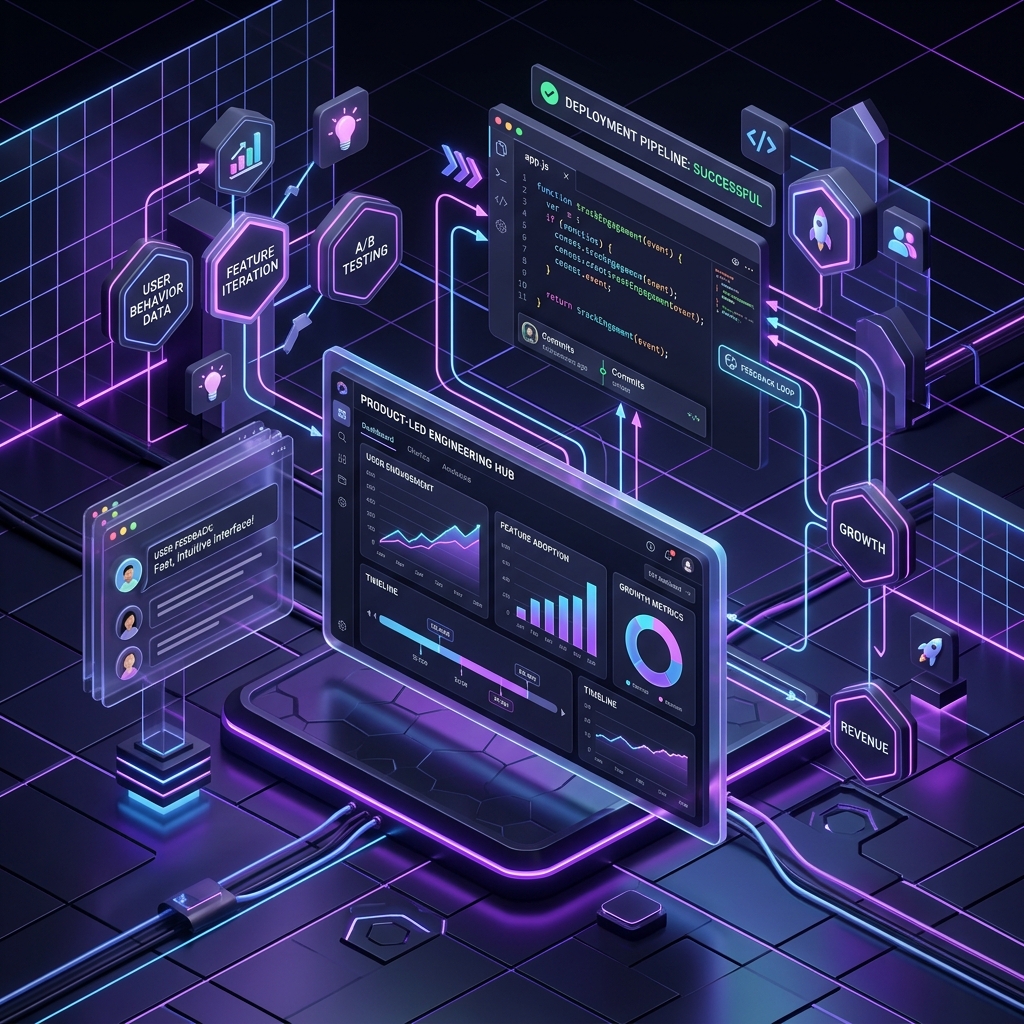
1. The Backstory: The Feature Factory That Blew Through $2M in Seed Funding
One of the most common failure modes for early-stage startups is the 'feature factory' trap. A venture-backed SaaS client once came to CodexiLab after raising a $2M seed round. Over the previous six months, their engineering team had worked at a frantic pace, shipping 15 major new features, including complex dashboards, advanced filtering, and social sharing widgets. Yet, their user activation rate remained flat at 12%, weekly active users were declining, and their cash runway was shrinking fast.
When we audited their setup, we discovered a complete disconnect between engineering and product strategy. The developers were measured solely on output—the number of Jira tickets marked 'Done' and lines of code pushed to production. Nobody was tracking whether users were actually clicking on the new features, where they were dropping off in the registration funnel, or why they were churning. The team was flying blind, building features based on assumptions rather than data. We helped them transition from a volume-based shipping model to a product-led engineering culture, where every line of code is tied directly to user outcomes. This guide details the culture shift, analytics architectures, and code blueprints we used to build a value-driven engineering team.
2. What is Product-Led Engineering? Moving Beyond the Jira Ticket
In a traditional feature factory, engineers act as passive builders. Product managers write requirements, designers draw mocks, and developers translate those specs into code. Success is defined by shipping on time, regardless of whether the feature delivers business value. This model treats developers as coding machines rather than problem solvers.
Product-led engineering shifts this paradigm. In a product-led team, engineers are co-owners of the product experience and business metrics. They are deeply involved in discovery, user research, and data analysis. A product-led engineer does not just ask 'How do I build this feature?'—they ask:
- 'What user problem are we trying to solve?'
- 'How will we measure if this solution is successful?'
- 'What is the impact of this change on page load times and user retention?'
- 'Is there a simpler, low-code way to validate this hypothesis?'
By understanding the why behind their code, engineers can make better design and architectural decisions. They can suggest simpler technical alternatives that achieve the same product goal, reducing code complexity and speeding up iteration. They design code that is modular and instrumented, ensuring that every user interaction is tracked and analyzed.
3. The Telemetry Architecture: Building a Type-Safe Analytics Layer
To build a product-led culture, developers must first have visibility into user behavior. This requires integrating a telemetry and analytics tracking layer. However, in many codebases, analytics integration is treated as an afterthought. Developers scatter ad-hoc tracking scripts directly inside UI components (e.g. mixpanel.track('button_clicked')), leading to database queries or API calls mixed with view logic, broken event naming conventions, and untype-safe parameters.
To solve this, we implement a centralized, type-safe telemetry service layer. This service acts as an abstraction barrier between our application and third-party analytics providers (like Segment, Amplitude, or Mixpanel). It enforces a strict schema of allowed events and properties using TypeScript or PHP DTOs (Data Transfer Objects). This prevents engineers from sending inconsistent events, ensures all metrics conform to a shared taxonomy, and allows the backend to buffer and send events asynchronously to avoid slowing down user requests.
// Define a strict, type-safe registry of telemetry events
type TelemetryEvent =
  | { type: 'USER_REGISTERED'; properties: { referralSource: string; planType: 'free' | 'premium' } }
  | { type: 'PROJECT_CREATED'; properties: { projectId: string; templateUsed: string } }
  | { type: 'FEATURE_ENGAGED'; properties: { featureName: string; clickTarget: string } };

class TelemetryService {
  private static instance: TelemetryService;
  private eventQueue: { event: TelemetryEvent; timestamp: number }[] = [];
  private batchSize = 10;
  private flushIntervalMs = 5000;

  private constructor() {
    // Initialize automated flushing of telemetry queue
    setInterval(() => this.flushQueue(), this.flushIntervalMs);
  }

  public static getInstance(): TelemetryService {
    if (!TelemetryService.instance) {
      TelemetryService.instance = new TelemetryService();
    }
    return TelemetryService.instance;
  }

  public track(event: TelemetryEvent): void {
    console.log(`[Telemetry Logged]: ${event.type}`, event.properties);
    this.eventQueue.push({ event, timestamp: Date.now() });

    if (this.eventQueue.length >= this.batchSize) {
      this.flushQueue();
    }
  }

  private async flushQueue(): Promise<void> {
    if (this.eventQueue.length === 0) return;

    const payload = [...this.eventQueue];
    this.eventQueue = [];

    try {
      // In production, execute high-throughput batch post to Segment/Amplitude
      await fetch('https://api.segment.io/v1/batch', {
        method: 'POST',
        headers: { 'Content-Type': 'application/json' },
        body: JSON.stringify({ batch: payload.map(item => ({
          event: item.event.type,
          properties: item.event.properties,
          timestamp: new Date(item.timestamp).toISOString()
        })) })
      });
    } catch (err) {
      console.error('Failed to flush telemetry events: ', err);
      // Implement backup retry or local storage caching mechanism
    }
  }
}
4. Step-by-Step Implementation: Leveraging the Telemetry Service
The TypeScript code block above showcases a type-safe telemetry dispatcher. By restricting the track() function to a union type TelemetryEvent, any developer attempting to log an untracked event name or miss a required metadata attribute will receive a compiler error. This guarantees data consistency and prevents the analytics dashboard from becoming cluttered with broken or duplicate records.
Additionally, the class uses memory queue buffering. Instead of blocking the UI thread or running a network request every time a user clicks a button, the telemetry helper buffers up to 10 events, or waits for a 5-second interval, before sending a single combined batch request. This is critical for mobile and web performance, ensuring that analytics operations never interfere with the core user experience.
5. Feature Flagging: The Infrastructure of Rapid Validation
A product-led team must be able to run experiments and test hypotheses quickly. In a traditional setup, deploying an experiment requires merging code into the main branch, running a full CI/CD build, and deploying a new version to production. If an experiment goes poorly, rollback requires another deployment cycle. This slow loop discourages developers from experimenting.
To solve this, we implement feature flagging (using tools like LaunchDarkly or an open-source system like PostHog). Feature flags allow you to decouple code deployment from feature release. You can deploy a complete feature to production, keep it hidden behind a flag, and then toggle it on dynamically for a specific subset of users (e.g. 5% of beta testers) without redeploying code. If a feature causes a performance drop or negative user feedback, you can toggle it off instantly, reducing operational risk to zero.
Furthermore, feature flags enable seamless A/B testing. By mapping feature flag state directly to our telemetry events, we can compare how users interact with version A vs. version B, tracking activation, sign-ups, and conversion metrics in real time.
interface UserContext {
  id: string;
  email: string;
  cohort: 'beta' | 'general';
}

class FeatureFlagManager {
  // In-memory simulator of user targeting rules
  public static isFeatureEnabled(flagName: string, user: UserContext): boolean {
    if (flagName === 'new_onboarding_flow') {
      // Enable only for beta cohort and 10% of general users
      if (user.cohort === 'beta') return true;

      // Simple hash-based percentage rollout
      const hash = this.getSimpleHash(user.id);
      return hash % 100 < 10;
    }
    return false;
  }

  private static getSimpleHash(str: string): number {
    let hash = 0;
    for (let i = 0; i < str.length; i++) {
      hash = str.charCodeAt(i) + ((hash << 5) - hash);
    }
    return Math.abs(hash);
  }
}
6. The Cultural Transformation: How We Shifted Our Client's Dev Team
Transitioning our client's engineering team to a product-led model required changing how we run engineering meetings. We retired the standard 'Jira velocity charts' and replaced them with a weekly product analytics review. In this meeting, product engineers review Amplitude dashboards tracking the features they had shipped the previous week. They analyze activation metrics, feature engagement times, and error rates.
This visibility sparked a major shift in developer mindset. Engineers began proposing features themselves, suggesting code simplifications to speed up release times, and actively fixing navigation friction points they observed in user recording logs. Within two months of adopting this outcome-focused engineering model, our client's user activation rate jumped from 12% to 34%, and retention increased by 22%, saving their business and securing a successful Series A funding round.
7. Summary: Building Software That Drives Value
Writing high-quality code is only half the battle; building software that users actually want and need is the true challenge. By moving away from feature factory models, embracing type-safe telemetry, leveraging feature flags, and connecting engineering back to product metrics, organizations can build faster, waste fewer resources on unused features, and build digital products that drive real commercial success.
8. Frequently Asked Questions (FAQ)
Q: Does adding telemetry tracking slow down page load speed?
A: Only if implemented poorly. By bundling analytics SDKs, loading tracking scripts asynchronously, and using event queue buffering as shown in our code block, the performance impact on the user is virtually imperceptible.
Q: How do we prevent feature flag checks from cluttering the code with IF statements?
A: To prevent spaghetti code, wrap feature flag checks inside middleware, router guards, or higher-order component providers. This keeps the core business logic clean and isolates targeting rules to application entry points.
Q: How many active A/B tests should a startup run simultaneously?
A: Early-stage startups should rarely run more than one or two A/B tests at a time. Because early startups have low web traffic, running multiple parallel experiments makes it difficult to collect enough data to reach statistical significance. Focus on testing high-impact changes like the onboarding flow or pricing page first.